Digital Menu Boards Built for QSR Speed
In quick service, every second counts. KwickSIGN delivers instant menu updates, automatic daypart transitions, and real-time inventory sync — all without slowing you down.
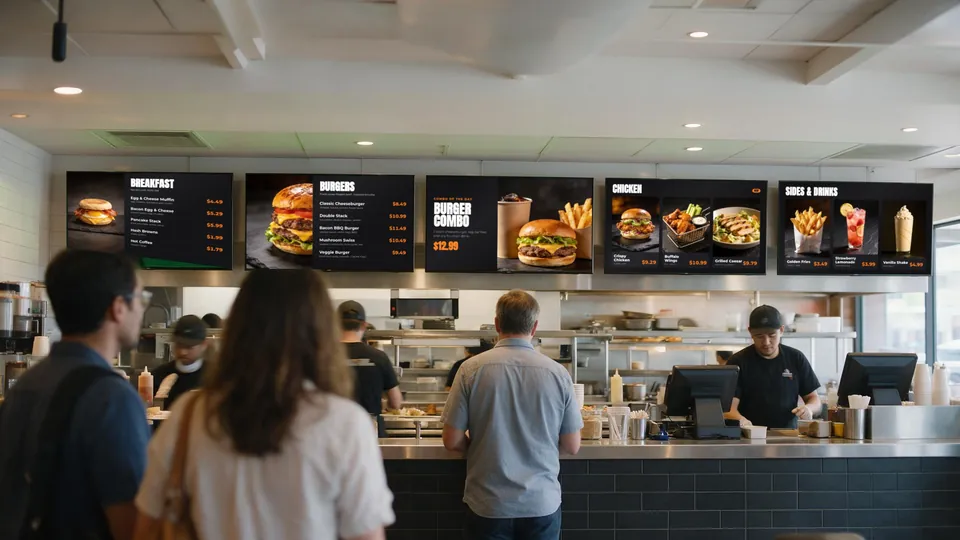
Why QSRs Choose KwickSIGN
Quick service restaurants operate at a pace that traditional digital signage can't match. You need menu boards that update instantly, switch menus automatically, and never show items you've run out of.
KwickSIGN is built directly into your KwickPOS system, which means your menu boards share the same database as your registers. When you 86 an item, it disappears from the board. When breakfast ends, lunch appears. When prices change, every screen updates.
No separate media-player hardware. No separate signage software. No delays.
See It In Action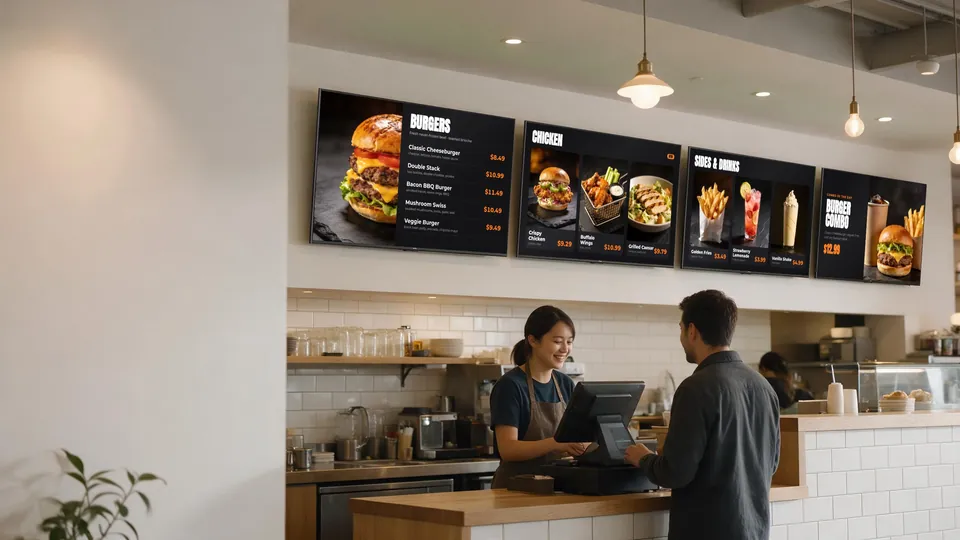
QSR-Specific Features
Designed for the unique demands of fast food operations
Instant Daypart Switching
Breakfast to lunch transition happens automatically at exactly the time you set. No manager needed to flip the switch.
Drive-Thru Optimization
Coordinate pre-menu boards, main ordering screens, and confirmation displays for a seamless drive-thru experience.
Combo & Upsell Displays
Highlight meal deals and upsell opportunities. Rotate featured combos to increase average ticket size.
Real-Time 86 Updates
Sold out of chicken? It disappears from every menu board instantly. No more "sorry, we're out of that."
Consistent Pricing
Menu board prices always match POS prices. No more customer disputes about what they saw on the screen.
Multi-Location Control
Manage menu boards across all your locations from one dashboard. Push one update to every store at once.
No Media Players. One Platform for POS and Screens.
Multi-screen QSRs get the most out of running signage from the POS
Stand-Alone Digital Signage
- A media-player box behind every TV
- A separate signage dashboard and subscription
- Prices and 86'd items updated by hand
- Extra integration work to reach the POS
KwickSIGN
- No separate media-player hardware
- Managed inside KwickPOS
- Prices and 86'd items sync automatically
- POS and digital signage on one bill
Plans are tailored to your screens, locations, and deployment needs — add screens as your business grows.
Common QSR Menu Board Setups
How quick service restaurants typically deploy KwickSIGN
Counter Service Layout
3-4 screens behind counter:
- Screen 1: Main entrees and combos
- Screen 2: Sides, drinks, and add-ons
- Screen 3: Featured items and promotions
- Screen 4: Value menu and limited-time offers
Drive-Thru Configuration
Multi-point drive-thru setup:
- Pre-menu board: Featured items to consider
- Main ordering screen: Full menu with pricing
- Confirmation display: Order summary and total
- Window pickup: Promotional content while waiting
One Picture Across Many Screens
Tile a promotion across a row of TVs above the counter — from a 1×4 strip up to a 9×9 wall.
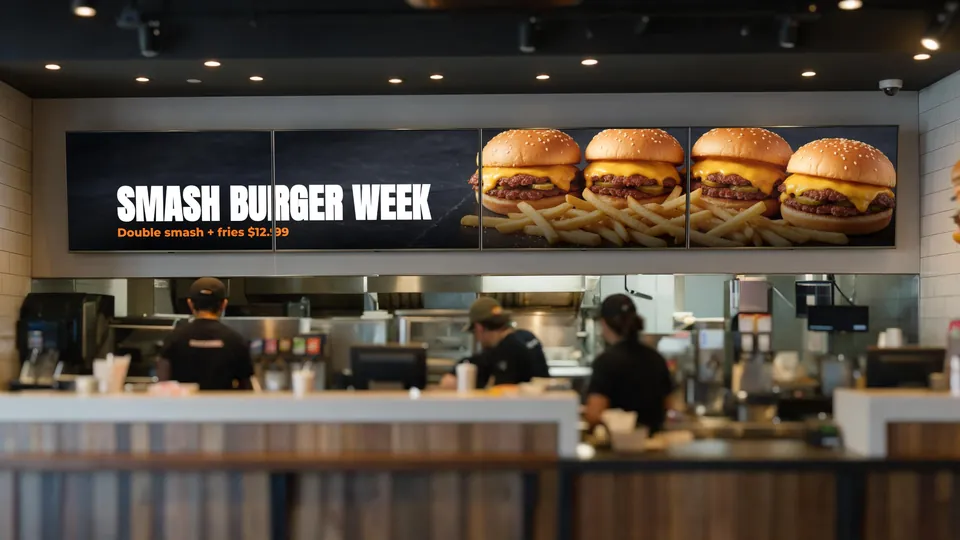
Illustrative scene. Screen content shows a sample KwickSIGN menu layout.
Related guides: What size TV for a menu board? · Daypart times & menu scheduling guide
Ready to upgrade your QSR menu boards?
Tell us how many screens and locations you run. We’ll build a KwickPOS + KwickSIGN proposal around your operation.