How KwickSIGN Works
The simplest path from POS to menu board. No media players. Works offline and online. No complexity.
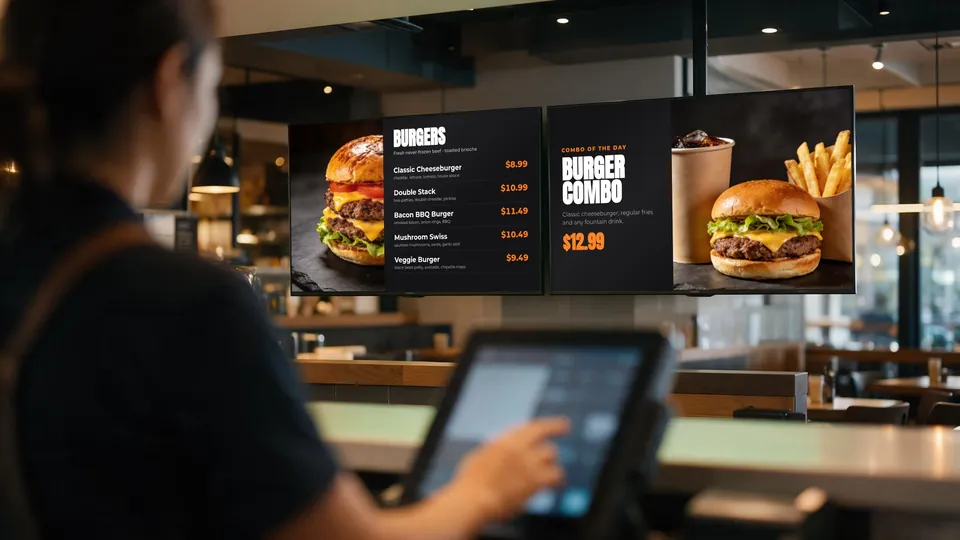
Setup in 3 Simple Steps
If you can connect a TV to WiFi, you can set up KwickSIGN
Power On Your Smart TV
Supported consumer Smart TVs from brands like Samsung, LG, TCL, Hisense and Vizio work. Mount it and turn it on — no separate media player, no extra box behind the screen.
Connect to Your Network
Connect the TV to the same local network as your KwickPOS server. WiFi or ethernet — either works. The TV talks directly to your POS on the local network.
Activate from KwickPOS
Log into your KwickPOS backoffice, select your menu layout, and push it to the TV. Your digital menu board is now live and syncing in real-time.
The Technology Behind KwickSIGN
Why our approach is fundamentally different
Hybrid Architecture
Unlike cloud-only digital signage that stops updating when the internet drops, KwickSIGN is hybrid: it runs locally from your KwickPOS and also connects online for remote management.
Your KwickPOS server stores all menu data, images, and scheduling information. Smart TVs connect to it over your local network, and when you’re online, updates can be pushed from anywhere. The result:
- Keeps running offline — Menu boards stay up even if your ISP goes down
- Fast local updates — In-store changes reach screens within seconds
- Remote updates when online — A designer or support can update any screen from anywhere
- One system — Menu data and images come from your own KwickPOS
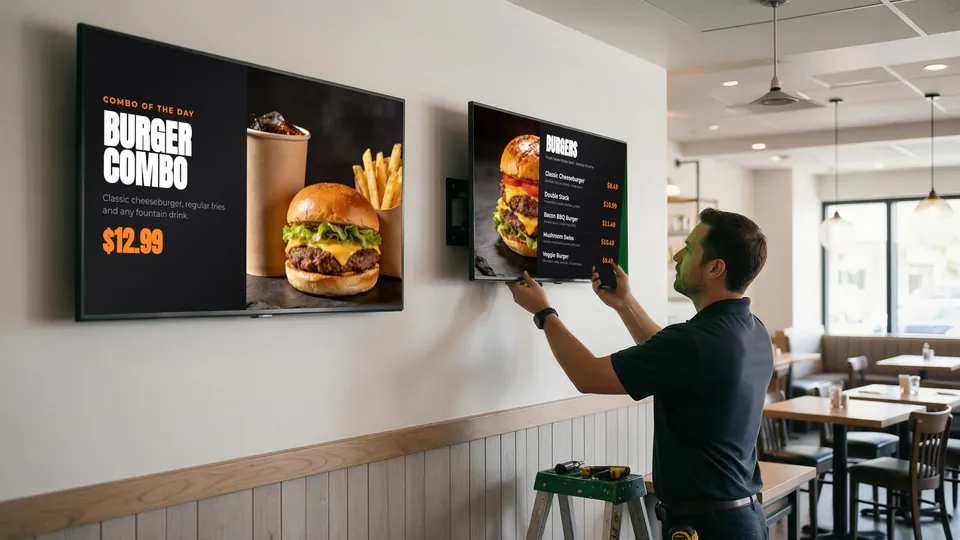
The KwickSIGN Difference
Built by POS experts, not signage vendors
True POS Integration
KwickSIGN isn't a third-party add-on trying to sync with your POS through APIs. It's the same system. Your menu board reads directly from the same database that your registers use. One price, everywhere, always.
No Separate Media-Player Hardware
Many signage systems need a media-player box behind every screen. KwickSIGN runs on supported consumer Smart TVs, so there is no extra device to buy, power, or troubleshoot.
One Platform, One Bill
Stand-alone signage adds another vendor and another subscription to manage. KwickSIGN is part of your KwickPOS solution, with flexible screen packages that grow as you add screens and locations.
Instant Everything
Price changes, sold-out items, menu switches — reach your in-store screens within seconds over the local network, and remote changes follow as soon as you’re online.
System Requirements
Everything you need to get started
KwickPOS Server
Your existing KwickPOS system serves as the content server. No additional server hardware required.
Smart TV
Any Smart TV with WiFi and a web browser. Samsung, LG, TCL, Hisense, Vizio and Sony models are commonly used.
Local Network
WiFi or ethernet connection between TV and POS server. Standard restaurant network setup.
That's it — no separate media players and no special hardware. If you have KwickPOS and a Smart TV, you have the building blocks; your plan is tailored to your screens and locations.
Frequently Asked Questions
Related guides: What size TV for a menu board?
Ready to see KwickSIGN in action?
Tell us how many screens and locations you have. We’ll put together a KwickPOS + KwickSIGN proposal built around your operation.