Control Up to 99 Smart TVs From One Dashboard
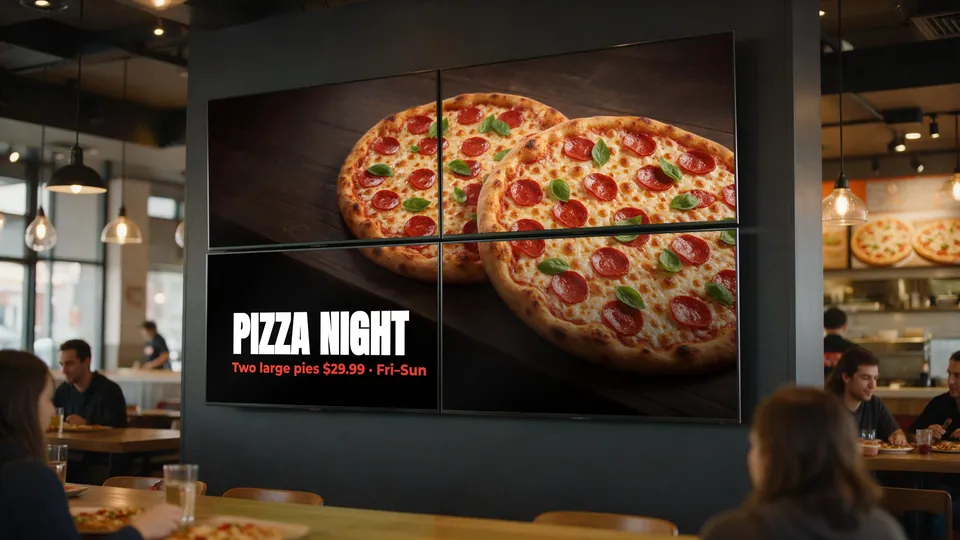
Whether you have a single menu board or a massive video wall across multiple locations, KwickSIGN scales effortlessly to meet your restaurant's digital signage needs.
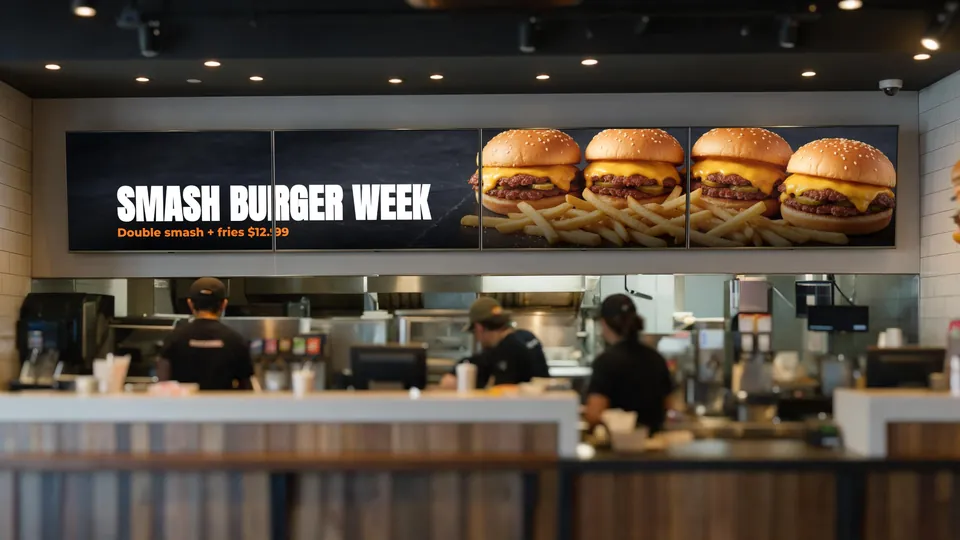
One System. Unlimited Possibilities.
Managing digital menu boards shouldn't require a degree in IT. KwickSIGN's multi-TV control system lets you manage anywhere from 1 to 99 Smart TVs from your existing KwickPOS dashboard.
No separate signage software. No media-player box behind each TV. Just simple, powerful control over all your digital displays — and you can add screens as your business grows.
See It In Action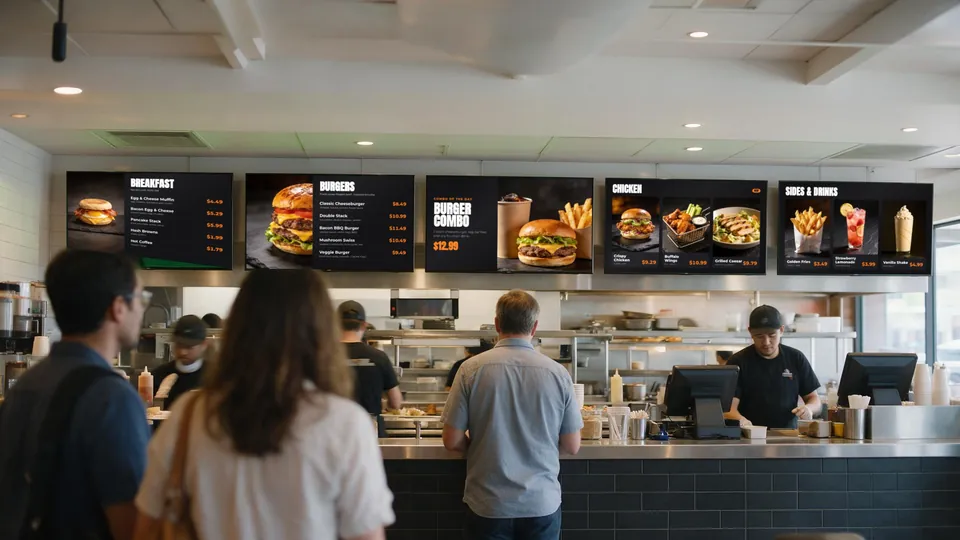
Powerful Multi-Display Features
Everything you need to manage digital signage at scale
Individual Screen Control
Assign unique content to each TV. Display drinks on one screen, entrees on another, and daily specials on a third. Each of your 99 possible screens can show completely different content.
Group Management
Create logical screen groups for bulk updates. Update all drive-thru screens, all indoor dining menus, or all bar displays with a single click. Save hours of manual updates.
Multi-Location Support
Manage menu boards across all your restaurant locations from one centralized dashboard. Perfect for franchise operators and multi-unit restaurant groups.
Remote Troubleshooting
Monitor screen status in real-time. Know instantly if a display goes offline and push fixes remotely without visiting the location. Minimize downtime, maximize uptime.
Content Rotation
Set up automatic content rotation on any screen. Cycle through featured items, promotions, and menu categories to maximize customer engagement and menu visibility.
Screen Analytics
Track which content performs best. See display uptime, content play counts, and engagement metrics to optimize your digital menu strategy.
Scale From 1 TV to 99
KwickSIGN grows with your business
Single Location Setup
Start with just one or two TVs for your menu boards. Perfect for small cafes, food trucks, or new restaurant locations testing digital signage.
Multi-Screen Expansion
Add more screens as you grow. Create video walls, add drive-thru displays, or install waiting area screens — all managed from the same KwickPOS system, with flexible screen packages.
Enterprise Deployment
Roll out across your entire restaurant chain. Centralized control means consistent branding and messaging across all locations while allowing local customization.
Use Cases for Multi-TV Control
How restaurants leverage multiple displays
Quick Service Restaurants
Display different menu categories on each screen: burgers on TV1, sides on TV2, drinks on TV3, and combos on TV4. Customers can quickly find what they're looking for without scanning a crowded single menu.
Drive-Thru Operations
Coordinate pre-menu boards, main ordering screens, and confirmation displays. Show different content at each position in the drive-thru lane while maintaining consistent branding.
Pizza & Delivery
Show dine-in menu on front counter screens while displaying delivery specials and online ordering promotions on waiting area TVs. Different audiences, different messages.
Bars & Restaurants
Food menu in the dining room, drink specials at the bar, sports schedules near the TVs. KwickSIGN lets you tailor content to each area of your establishment.
One Platform Instead of a Signage Stack
Stand-alone signage adds a separate vendor and hardware layer. KwickSIGN runs from the POS you already use.
Stand-Alone Digital Signage
- A media-player box behind each TV
- A separate content dashboard and subscription
- Menu prices re-typed from the POS by hand
- Another vendor to call when something breaks
KwickSIGN Approach
- No separate media-player hardware
- Built into your KwickPOS
- POS and digital signage on one bill
- Flexible screen packages — add screens as you grow
Related guides: Restaurant video walls on Smart TVs · What size TV for a menu board?
Plan your multi-screen setup
Tell us how many screens and locations you have. We’ll build a KwickPOS + KwickSIGN proposal with a screen package that fits your operation.