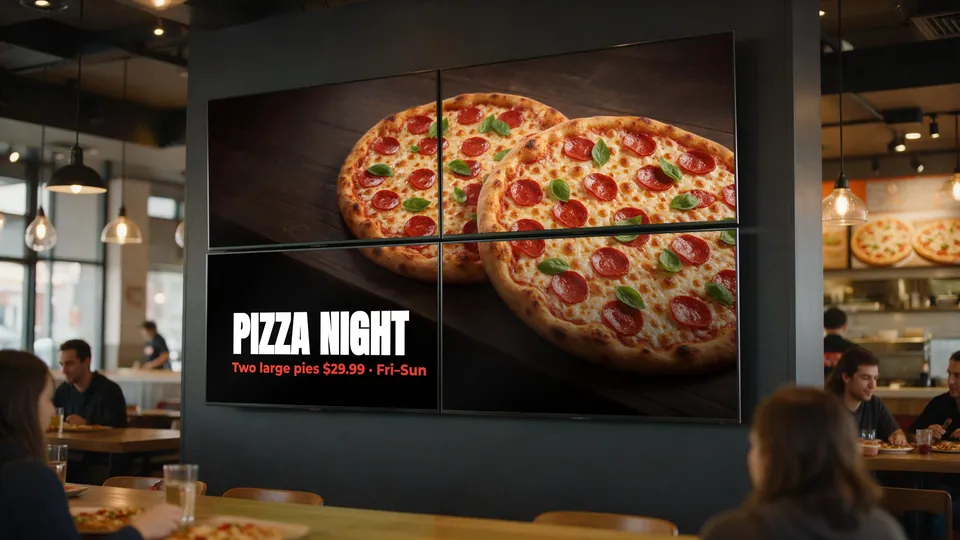
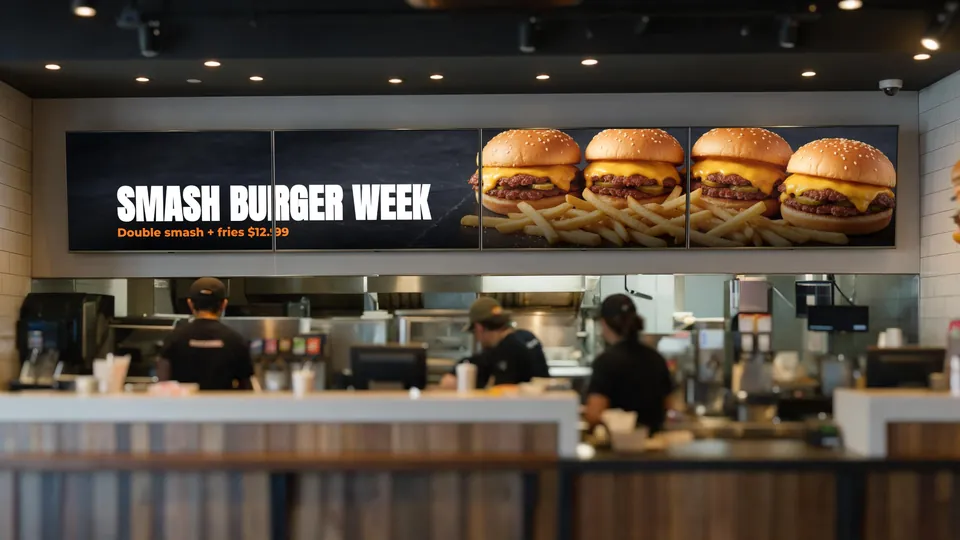
A video wall is several screens mounted together and driven as one canvas: one image, menu or video spans all of them. In a restaurant it turns a plain wall into a feature — a launch promo across the whole counter, a giant pizza on the dining-room wall, or a menu that reads as one continuous board.
Quick answer: pick a layout that fits your wall (a 1×3 or 1×4 strip above the counter, or a 2×2 block on a feature wall), use identical thin-bezel TVs mounted on one aligned rail, design content so text never sits across a seam, and run the tiles from one system so they change together. KwickSIGN tiles one image or video across a grid of Smart TVs up to 9×9.
Choosing a layout
| Layout | Best for | Notes |
|---|---|---|
| 1×3 / 1×4 strip | Above the ordering counter | Ultra-wide canvas; works as one menu or one panoramic promo. |
| 2×2 | Feature wall, dining room, entrance | Square-ish canvas; big food photography reads well across a room. |
| 3×3 and larger | Large venues, flagship stores | High impact; plan power, structure and installation carefully. |
Hardware: matching TVs and a straight mount
- Use identical models. Same size, same model and ideally the same batch, so colour, brightness and bezel width match.
- Thinner bezels, smaller seams. Consumer TVs have visible seams between screens; thin-bezel models keep them less noticeable. Design content to work with the seams (below).
- Mount on one level rail or a purpose-made multi-screen mount, and use a laser level. A few millimetres of misalignment is obvious when an image spans screens.
- Plan power and network behind every screen before mounting — retrofitting outlets behind a finished wall is painful.
Designing content for a video wall
- Keep text off the seams. Place headlines and prices inside a single tile; let photos and backgrounds flow across seams.
- Design at the full canvas size. A 1×4 wall of 1080p screens is a 7680×1080 canvas; a 2×2 wall is 3840×2160.
- One big idea per wall. A single hero photo and short headline works far better than a dense menu stretched across tiles.
- Mix modes by daypart. Run the wall as one giant promo during busy periods and as separate menu screens the rest of the day.
Running it from your POS
A video wall is only useful if it stays current. With KwickSIGN the wall is managed in KwickPOS alongside your other screens: tile a single image or video across the group, schedule it by daypart, and switch back to per-screen menus whenever you like. Screens run from your KwickPOS on the local network and keep working if the internet drops; when you’re online you can update them remotely.
See multi-TV control and video walls, or read the menu board TV size and mounting guide before you buy screens.