Turn every Smart TV into a powerful digital menu board.
Control menus, promotions, pricing, and availability directly through KwickPOS—from a single screen to a complete multi-location deployment.
No separate media players · Live POS sync · Flexible screen packages
It's already in your POS. Put it on the wall.
Your menu, prices, photos, and live stock already live in KwickPOS. KwickSIGN is the built-in function that pushes all of it onto your screens — and keeps it in sync, automatically, forever.
Consumer Smart TVs
Use the same TVs you'd buy for your living room. No commercial displays, no media players, no proprietary hardware to rent.
Control 1–99 screens
Run one screen or ninety-nine from a single dashboard — assign menus by screen, station, or location.
Remote updates — no USB sticks
Most owners still walk a USB drive to every TV. KwickSIGN pushes changes over the internet, so a designer or your support crew can update any screen from anywhere.
Auto-update menus & prices
Change a price or item in KwickPOS and every board updates in seconds. No re-designing, no re-uploading.
Auto-86 sold-out items
When the kitchen 86's an item, it disappears from the boards instantly — no more selling what you're out of.
Dayparting
Breakfast, lunch, and dinner boards switch themselves on schedule. Happy hour starts and ends on time, every day.
Static image or full video
Show a clean menu, a looping promo, or a full-motion showcase — the same screen does all three.
Events & promos
Push a limited-time special, an event, or a new-item announcement to every screen in one click.
Tile into video walls
Span one giant image or video across many TVs — from a 1×4 strip to a 9×9 wall.
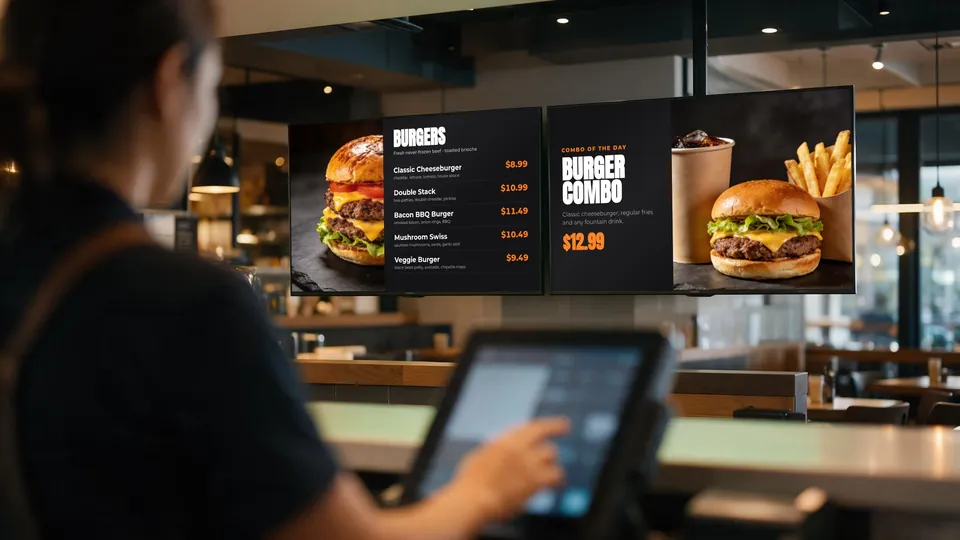
Change it once in KwickPOS. Every board follows.
Your menu boards read from the same menu your registers use, so there is nothing to re-type, re-design or re-upload.
- Edit a price or item in KwickPOS.
- Mark something 86'd when the kitchen runs out.
- Every assigned screen updates on its own — one TV or a whole wall.
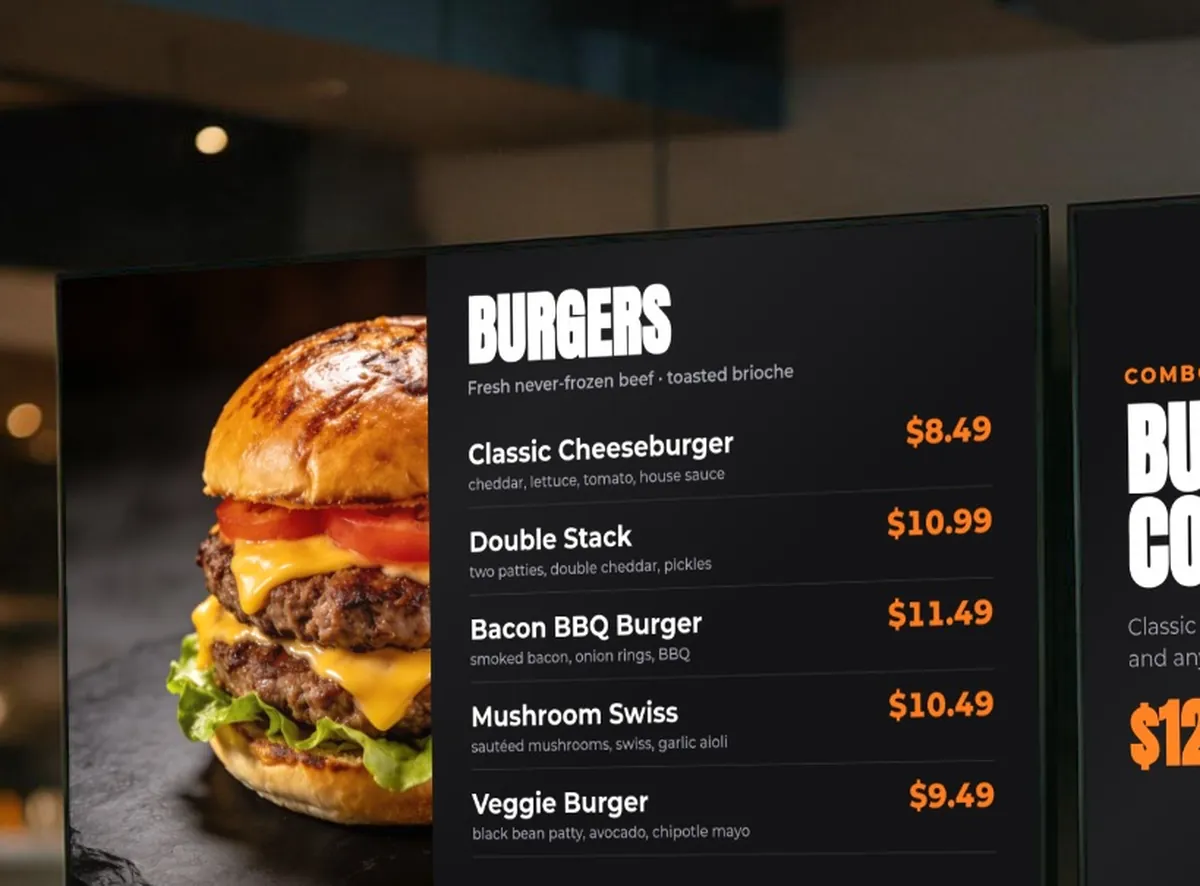
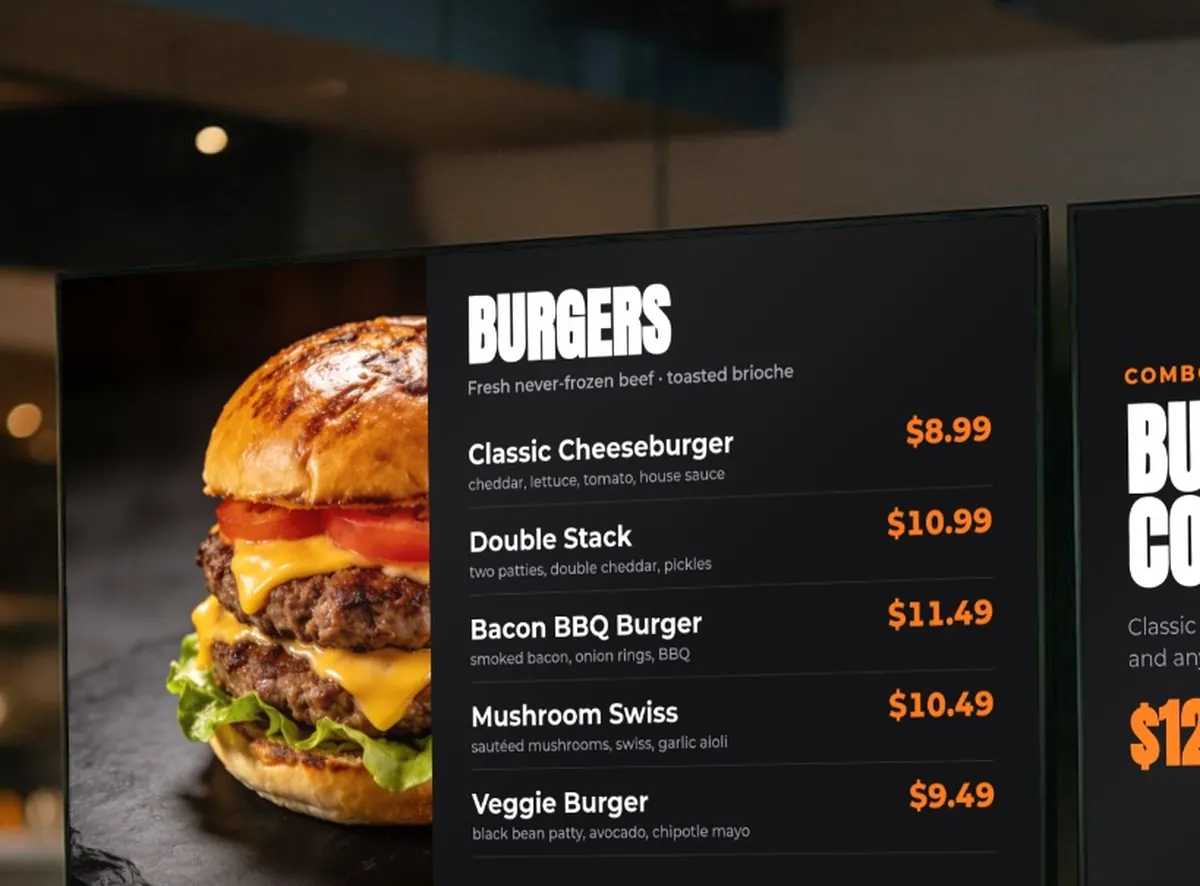
Illustrative scene. Screen content shows a sample KwickSIGN menu layout.
One picture. Many screens.
Mount Smart TVs side by side and KwickSIGN tiles a single menu, image, or video across all of them — from a slim counter strip to a full feature wall.
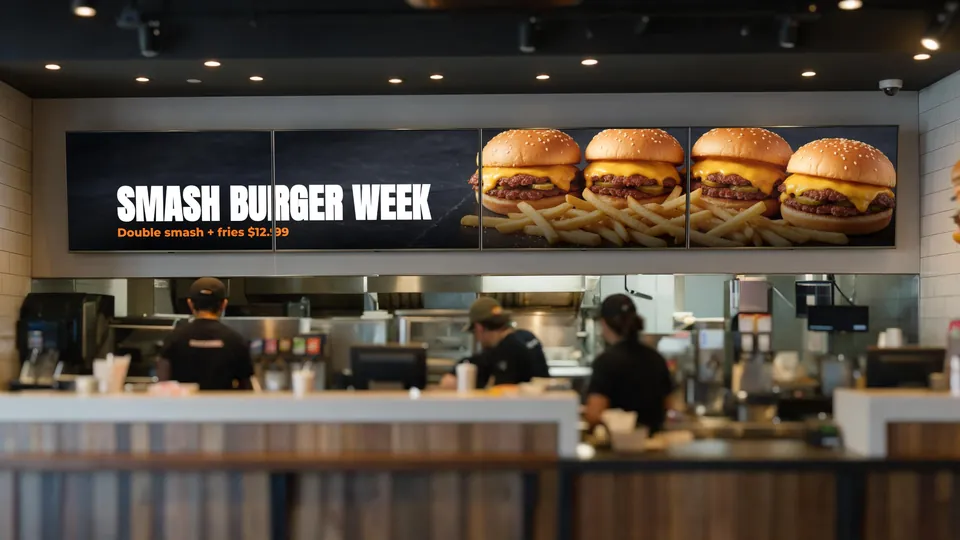
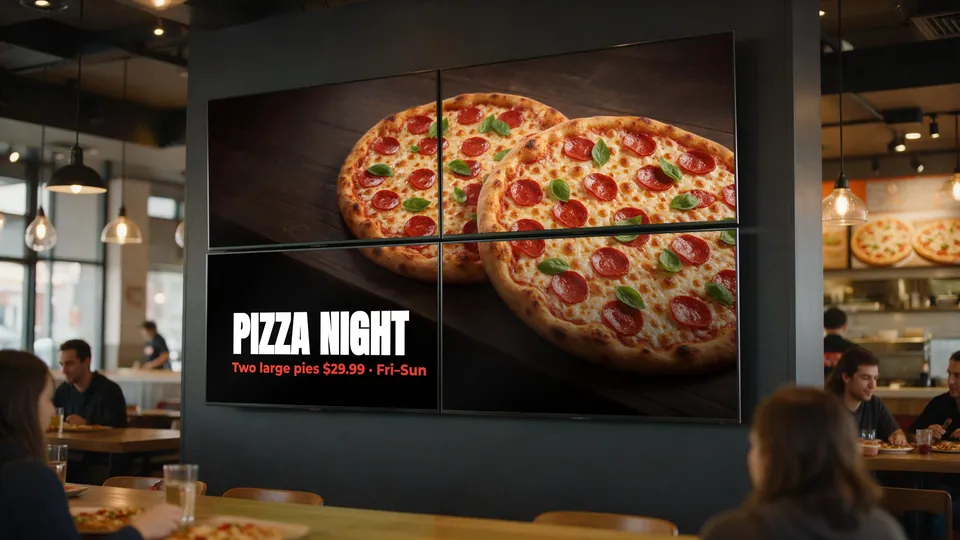
1 × 4
A wide strip above the counter
4 × 4
A bold 16-screen menu wall
up to 9 × 9
81 screens as one huge canvas
Live in three steps
If you already run KwickPOS, you're most of the way there.
Mount a Smart TV
Use supported consumer Smart TVs. Add the KwickSIGN app and pair it — no separate media player, no wiring project.
Pick a layout
Choose a menu template or a video, assign it to the screen, and set its schedule and daypart.
It runs itself
KwickSIGN pulls live from KwickPOS from then on — prices, 86's, and specials all update on their own.
One platform instead of a signage stack
Stand-alone signage adds another vendor, another dashboard and a box behind every TV. KwickSIGN runs from the POS you already use.
Stand-alone signage
- Commercial displays or a media-player box behind each TV
- A separate signage dashboard and login
- Prices and items re-typed from the POS by hand
- Content loaded screen by screen, often by USB stick
- Another vendor, another bill
KwickSIGN
- Consumer Smart TVs — no separate media-player hardware
- Managed inside KwickPOS
- Menus, prices and 86'd items sync from the POS
- Remote updates to every screen and location
- POS and digital signage on one bill
Flexible plans built around your operation
KwickSIGN is offered as part of a KwickPOS solution. Your package is tailored to the number of screens, locations, and capabilities your business needs.
Single Screen
- KwickPOS + one menu display
- Live prices and 86'd items
- Add screens any time
Multi-Screen
- Menu walls and promo screens
- Daypart scheduling
- Video walls up to 9×9
Multi-Location
- Central control across stores
- Consistent menus and pricing
- Partner installation options
KwickSIGN plans are customized based on your KwickPOS configuration, screen count, locations, and deployment requirements. Contact our team for a tailored proposal.
Built for every kind of counter
From a single coffee bar to a nine-screen QSR wall.
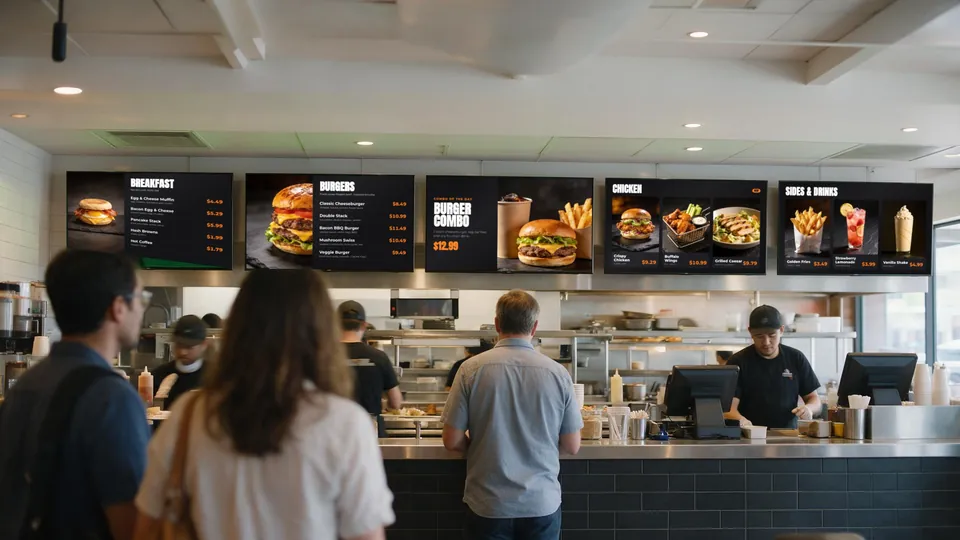
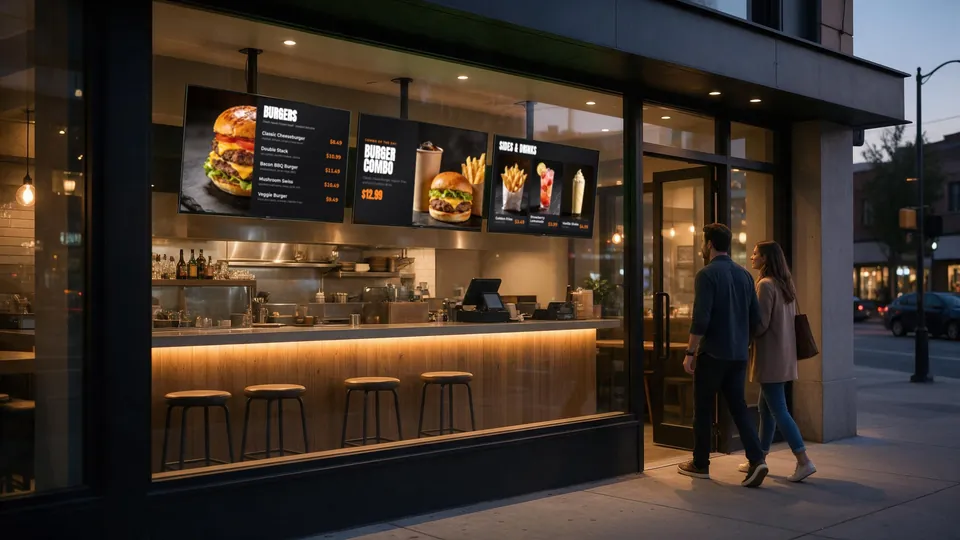
Quick-Service RestaurantsMenu walls, combos and dayparts
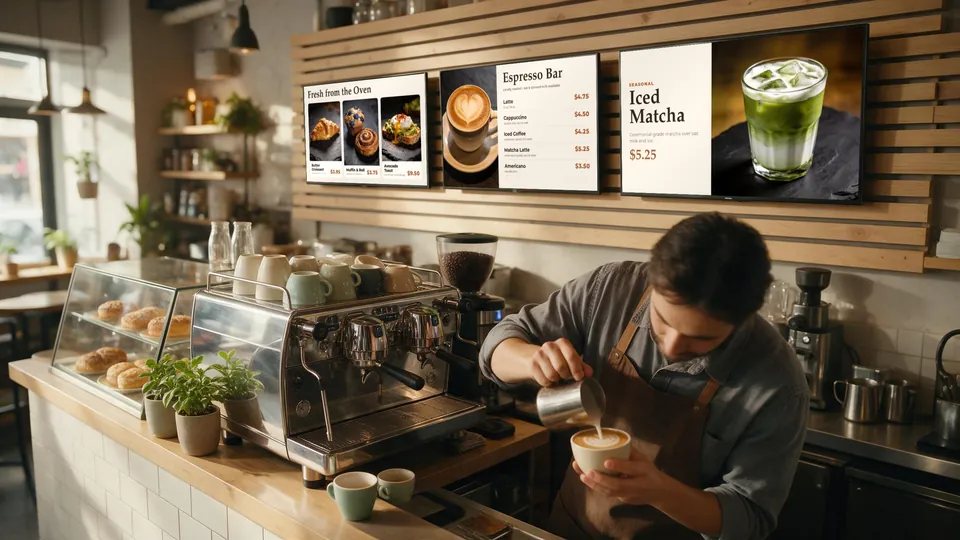
Cafés & Coffee ShopsDrinks, pastries and seasonal features
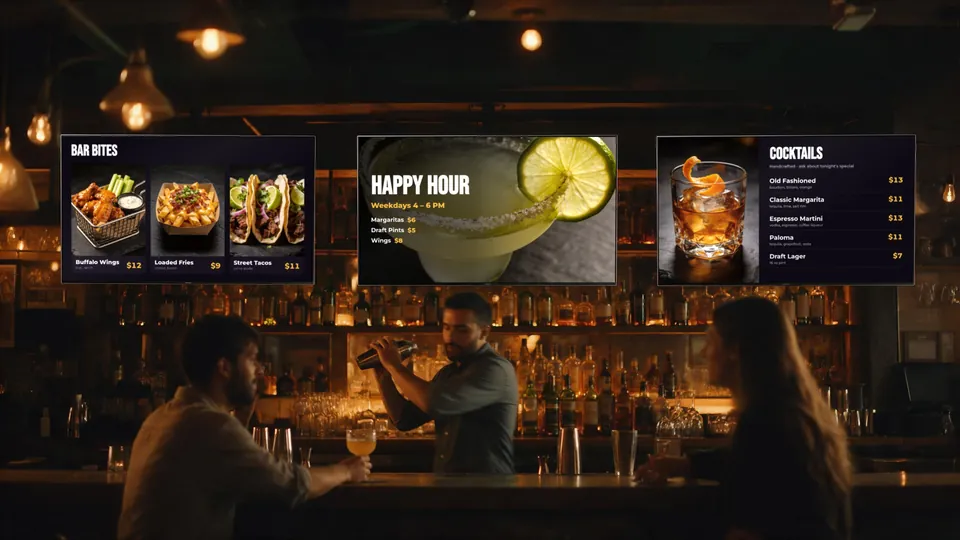 Bars & NightclubsHappy hour, events and drink specials
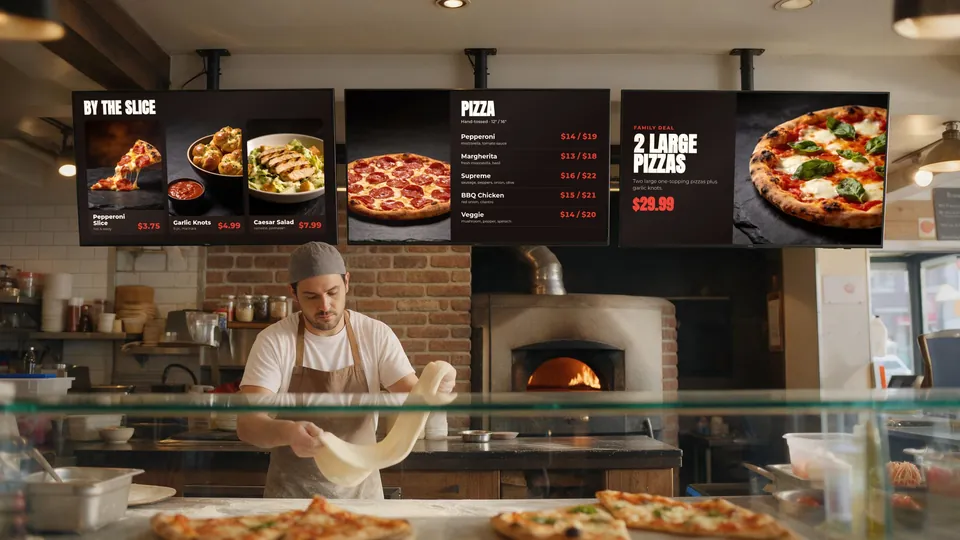 Pizza ShopsSizes, slices and family deals
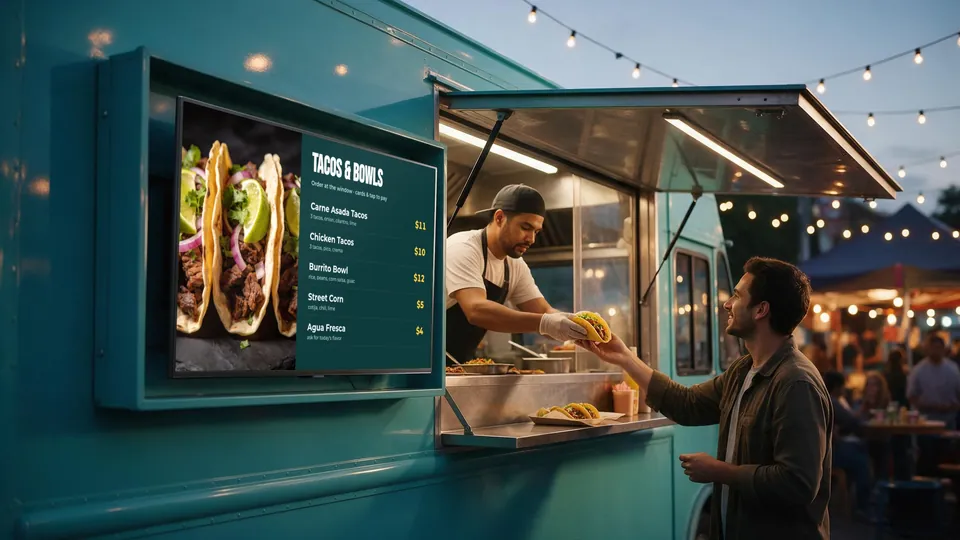 Food TrucksA bright menu right at the window
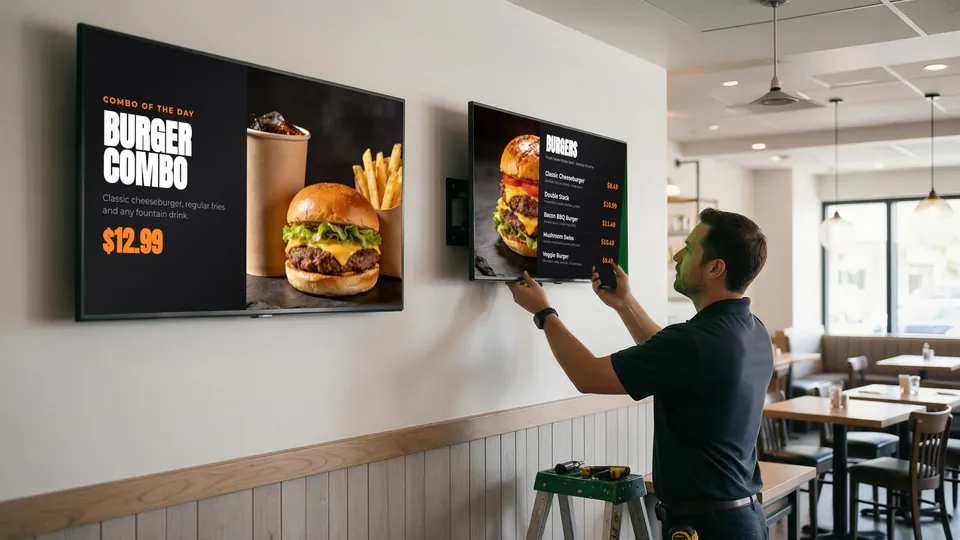 Resellers & InstallersInstall, pair and support screens
Turn your TVs into your best salesperson.
Tell us how many screens and locations you have, and we’ll build a KwickPOS + KwickSIGN proposal around your operation.
Request a Quote