Change a Price Once. Update Every Screen Instantly.
With KwickSIGN, your POS and your menu boards share the same price database. Change a price in KwickPOS, and every display updates within seconds.
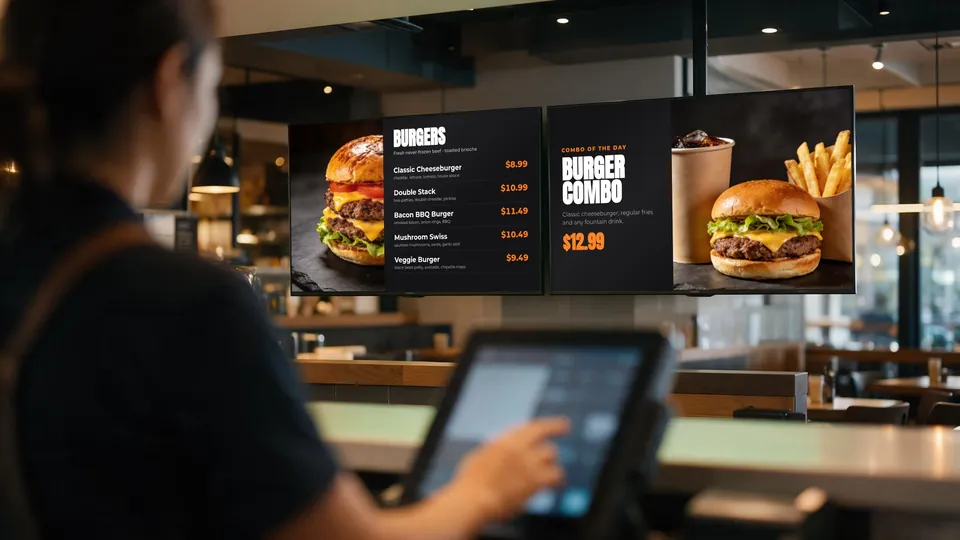
One Price. Everywhere. Always.
How many times has a customer pointed to a price on your menu board that doesn't match what they were charged? It's embarrassing, it slows down service, and it can lead to disputes.
The problem is simple: traditional digital signage is completely disconnected from your point of sale. When you change a price in your POS, someone has to remember to update the menu boards separately.
KwickSIGN eliminates price mismatches entirely. Your menu boards display prices directly from KwickPOS. Change it once, and it's updated everywhere — instantly.
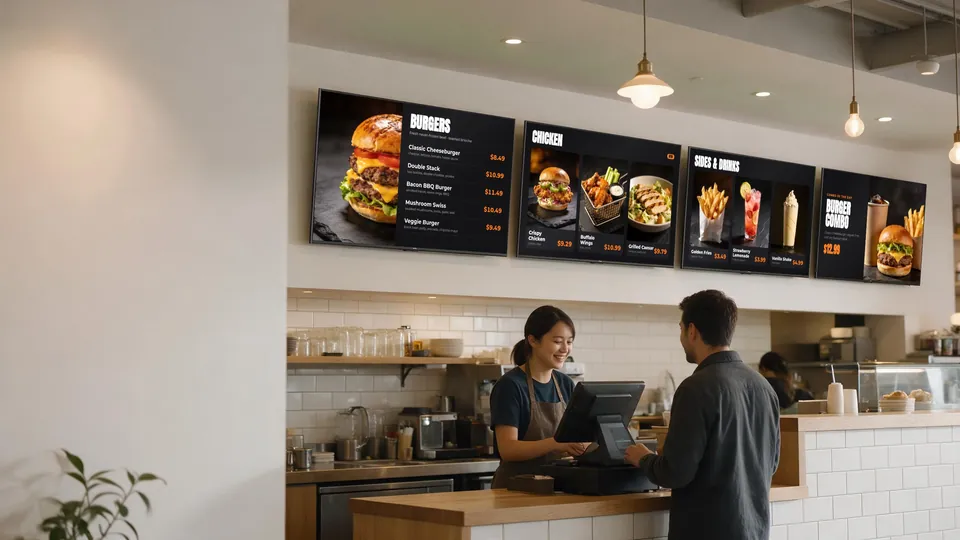
Change the Price Once. The Board Follows.
A price edit in KwickPOS shows up on every screen that displays the item.
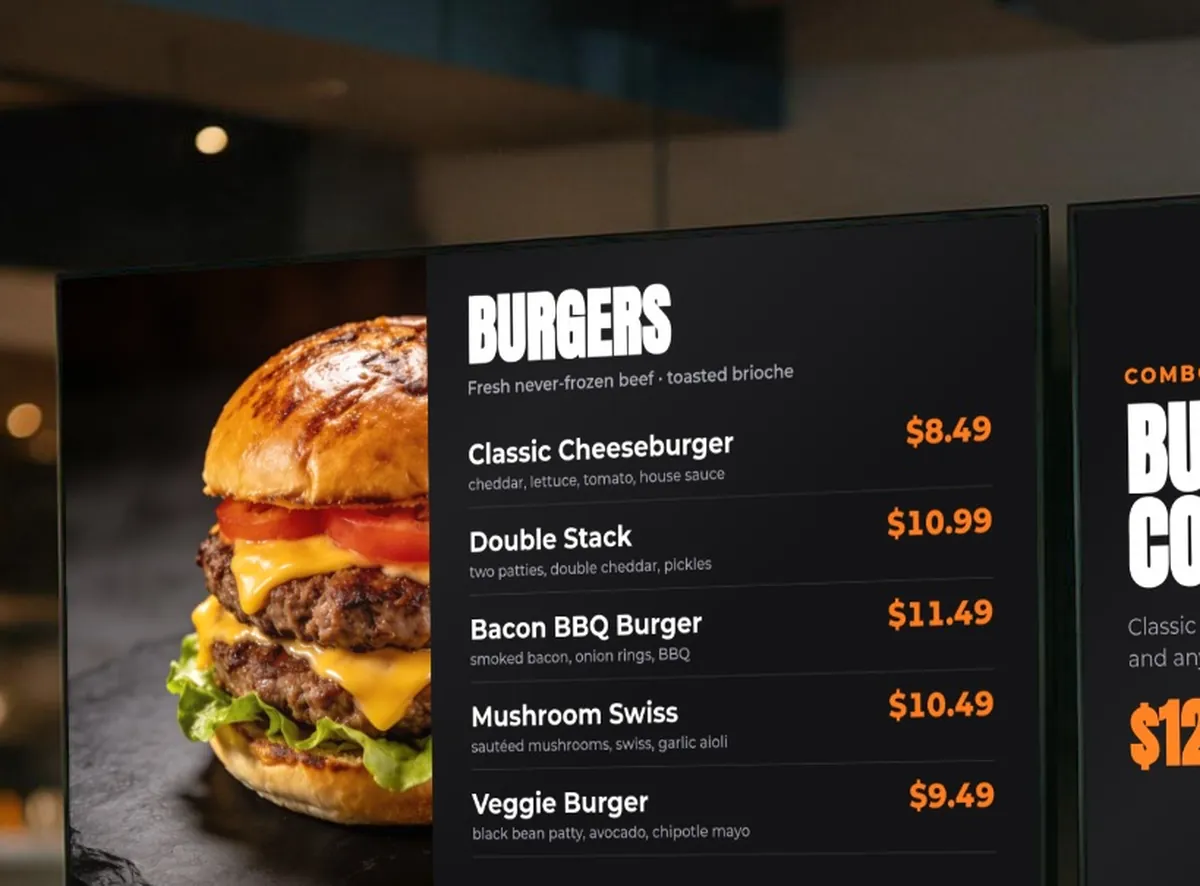
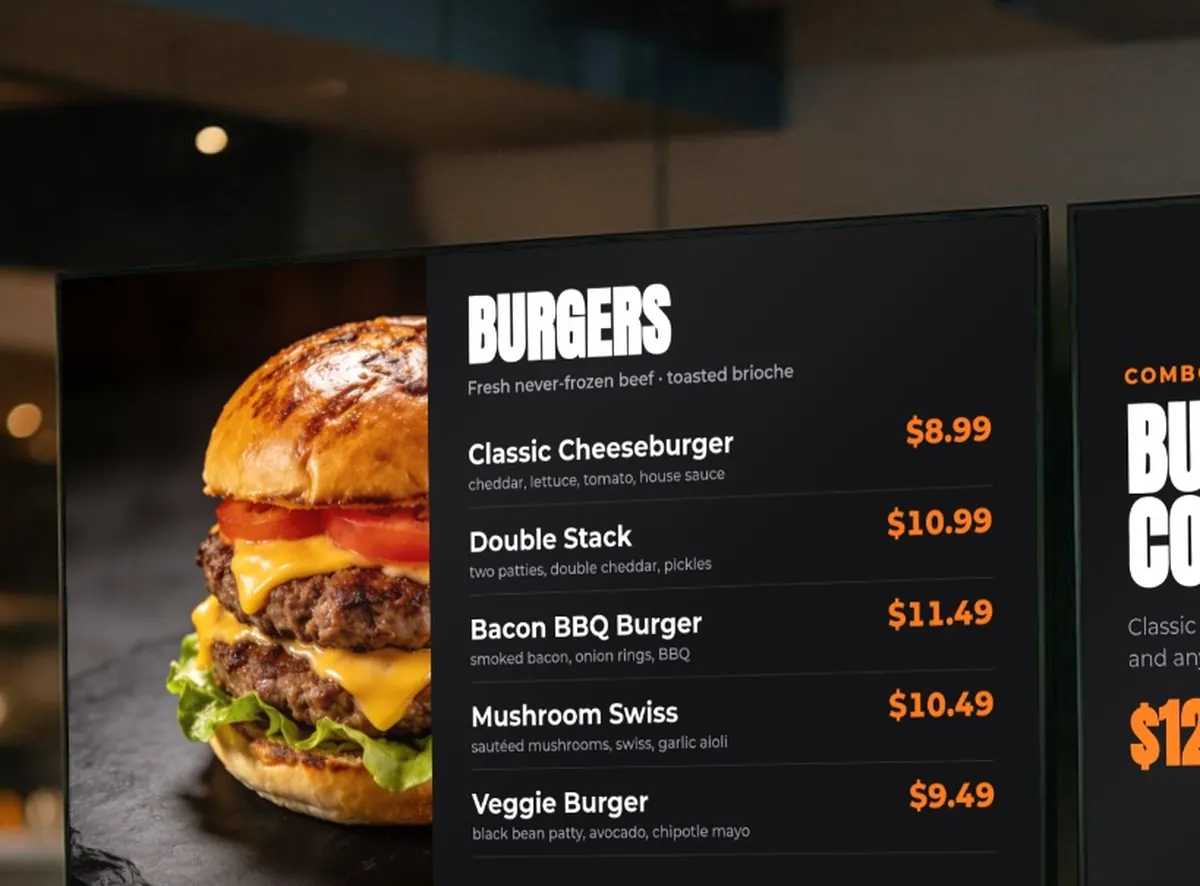
Illustrative scene. Screen content shows a sample KwickSIGN menu layout.
How Live Pricing Works
Single source of truth for all your menu prices
Direct POS Connection
KwickSIGN pulls prices directly from your KwickPOS menu database. There's no import, no sync, no separate price list to maintain.
Instant Updates
When you change a price in KwickPOS, it appears on your digital menu boards within seconds. Not minutes. Not hours. Seconds.
All Screens Sync
Every TV displaying that item updates simultaneously. Indoor menus, drive-thru boards, waiting area screens — all in sync.
Dynamic Pricing Made Easy
Take advantage of pricing strategies that were previously impossible
Happy Hour Pricing
Schedule discounted prices for specific hours. Drinks go from $8 to $5 automatically at 4 PM, then back to regular price at 7 PM. No staff intervention needed.
Early Bird Specials
Offer lower prices during slow periods to drive traffic. Lunch combos at $6.99 from 11 AM to 2 PM, then $8.99 during dinner rush.
Day-of-Week Deals
Taco Tuesday pricing that only applies on Tuesdays. Wing Wednesday specials that automatically activate. Set it once and forget it.
Flash Sales
Running a 2-hour flash promotion? Update prices in KwickPOS and every menu board reflects the sale instantly. End the sale just as quickly.
Demand-Based Pricing
Adjust prices based on demand. Higher prices during peak hours, lower prices during slow periods. Maximize revenue while filling seats during off-peak times.
No Separate Media-Player Hardware
What makes KwickSIGN different from stand-alone digital signage
Stand-Alone Signage Typically Needs:
- A media-player box, stick or PC behind each TV
- A separate signage dashboard and subscription
- Prices typed in by hand, separately from the POS
- Extra integration work to connect it to the POS
KwickSIGN Needs:
- A supported consumer Smart TV
- Your KwickPOS system
- An internet connection
- POS and digital signage on one bill
KwickSIGN plans are customized based on your KwickPOS configuration, screen count, locations, and deployment requirements.
Real-World Pricing Scenarios
Example ways operators can use live pricing (hypothetical)
Lunch Rush Premium
A deli could schedule a different sandwich price for the 12–1 PM rush. The menu boards would switch automatically at noon and revert at 1 PM — no one has to touch a screen.
Weather-Based Pricing
A coffee shop could drop its hot chocolate price on a rainy day. The manager changes the price in KwickPOS and every menu board shows it.
Event Pricing
A sports bar could run game-day specials that activate two hours before kickoff and end automatically after the game.
Slow Period Discounts
A pizza shop could run an afternoon slice special from 2–5 PM. The special price displays automatically during those hours only.
Ready for pricing that just works?
Tell us how many screens and locations you have. We’ll build a KwickPOS + KwickSIGN proposal around your operation.