Menu Board Templates
Professional designs ready to populate with your menu. Customize colors, add your logo, and go live in minutes.
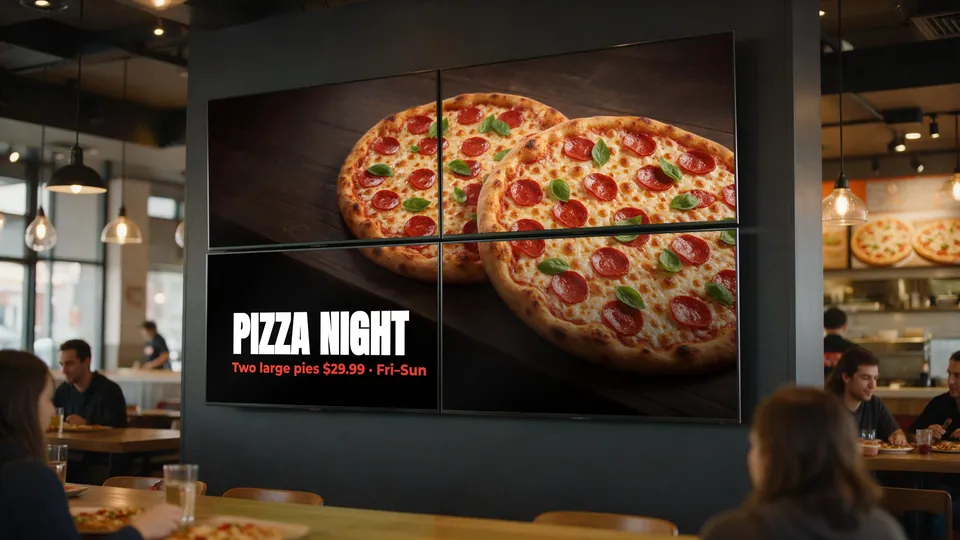
Ready-to-Use Templates
Sample layouts shown with example menus. Your items, prices and photos come straight from KwickPOS.
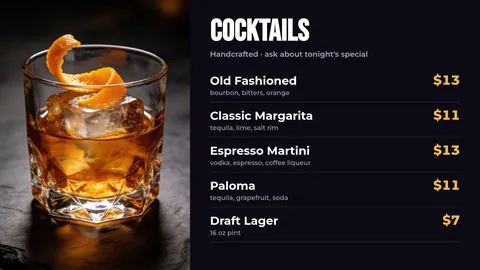
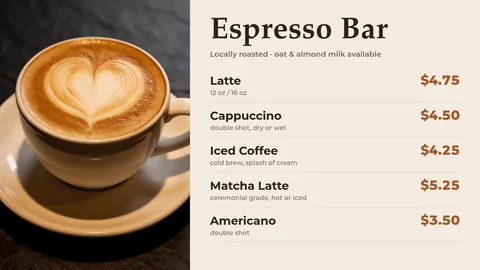

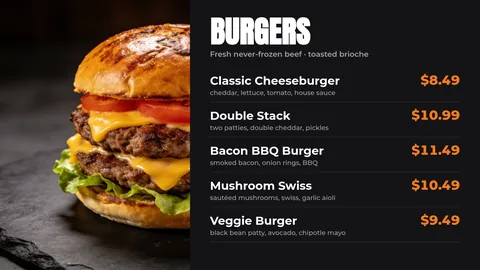
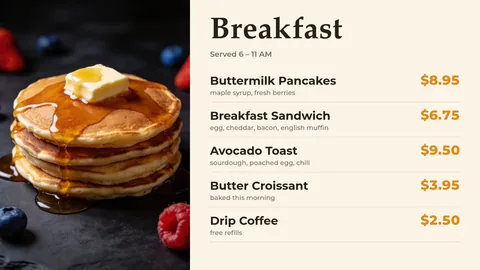
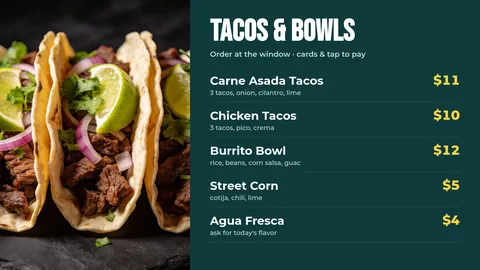
Layout Options
Choose the structure that works best for your menu
Single Screen Layouts
- Full menu on one screen
- Category sections with pricing
- Featured items highlighted
- Rotating promotional content
Multi-Screen Layouts
- Categories split across TVs
- Video wall configurations
- Synchronized content display
- Zone-based content (bar vs. dining)
Customize Everything
Every template is fully customizable within KwickPOS:
- Colors: Match your brand palette
- Fonts: Select from modern typefaces
- Logo: Add your branding
- Images: Upload food photography
- Layout: Arrange sections your way
- Animations: Subtle transitions
No design skills required. If you can use KwickPOS, you can customize your menu board.
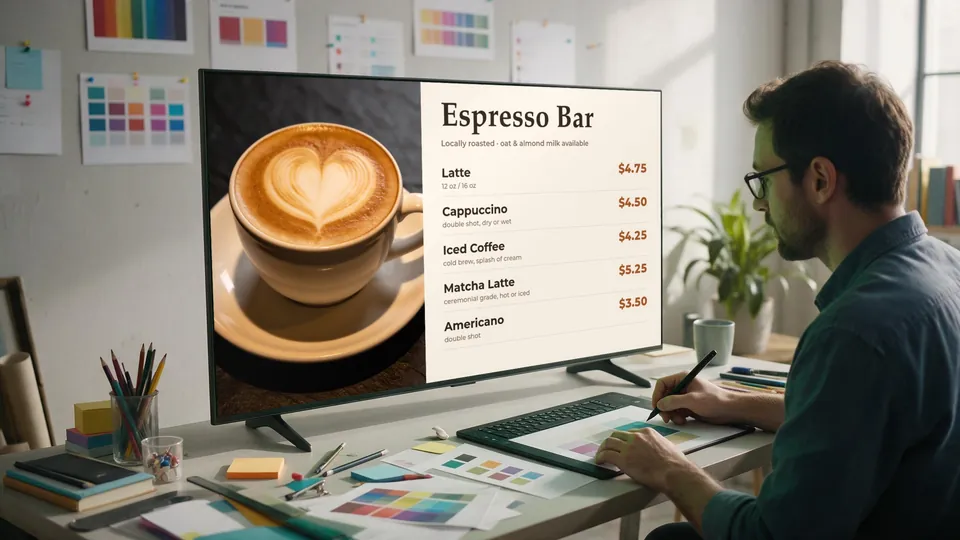
Related guides: Designing content for video walls
Ready to see these templates in action?
Request a demo to browse the available layouts, or get a quote for your screens and locations.