KwickSIGN vs OptiSigns
Both put menus on screens. The difference is where the menu comes from, what hardware you buy, and how the whole thing is managed. Here's an honest side-by-side for restaurants.
| KwickSIGN | OptiSigns | |
|---|---|---|
| What it is | A menu-board function built into your KwickPOS | OptiSigns is a cloud digital-signage service that runs on streaming sticks and Android/Fire TV devices, managed from a web dashboard, typically billed per screen each month. |
| Screen hardware | Ordinary consumer Smart TVs — the TV is the player | A streaming stick / player app per screen |
| Pricing model | Part of your KwickPOS solution — flexible screen packages, quoted for your setup | Per-screen monthly subscription |
| Menu & price source | Live from your POS — prices and items sync automatically | Standalone signage — no live link to your point of sale |
| Sold-out items | Auto-86 — items vanish from the board when the kitchen 86's them | Updated by hand in the signage app |
| Video walls | Tile 1×4 up to 9×9 across Smart TVs | Varies by plan and hardware |
| Maintenance | Low — no player boxes, updates itself from the POS | Manage players + content separately |
| Best for | Restaurants running (or moving to) KwickPOS | Businesses that want a low-cost general signage app |
The real difference: your POS runs the screen
OptiSigns is a capable signage platform — but it's a separate system. Someone still has to build the menu inside it, keep prices matching the register, and remember to pull an item when it sells out. Every screen typically needs its own player device, managed in yet another dashboard.
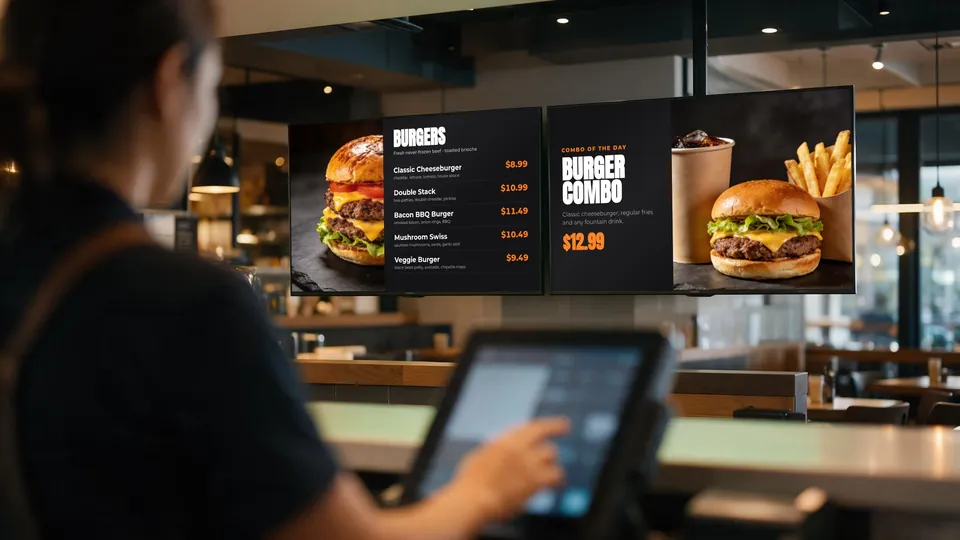
KwickSIGN takes a different path. Because it's a function of KwickPOS, your menu, prices, photos, and live stock are already there. Put a consumer Smart TV on the wall, and it shows exactly what your POS knows — updated automatically, with sold-out items 86'd on their own. No separate media-player hardware behind the TV, and no second system to manage.
Less hardware, less maintenance
The difference shows up in two places. Up front, you skip commercial displays and a media-player box for every screen — supported consumer Smart TVs do the job. Ongoing, there is far less to maintain: the boards keep themselves in sync with the POS instead of needing a person to update them, and your POS and digital signage are on one bill. KwickSIGN plans are tailored to your screens, locations, and deployment needs.
See KwickSIGN on your own screen
Tell us how many screens and locations you have, and we'll put together a KwickPOS + KwickSIGN proposal for your setup.
Request a Quote Request a Demo