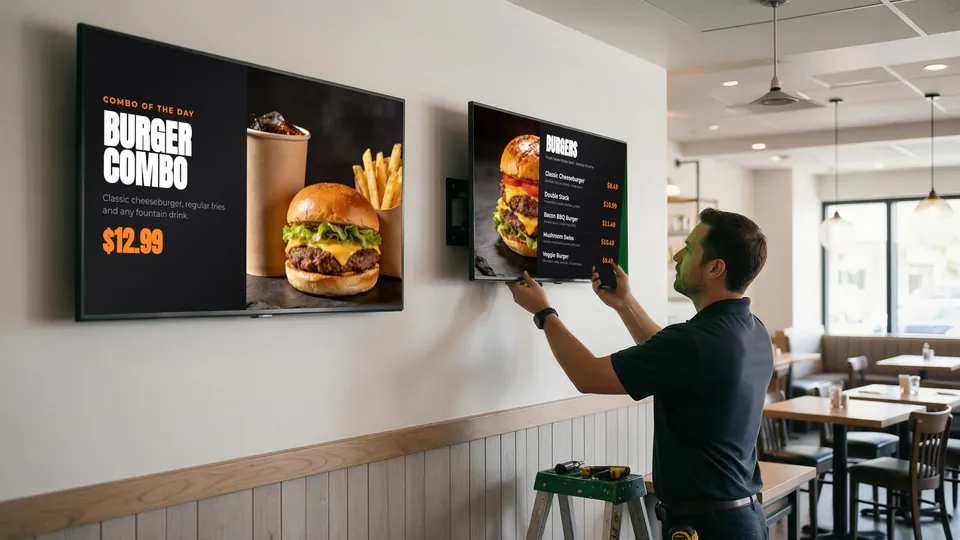
For years, the standard approach to digital menu boards has been: buy a commercial display, attach a media player, and subscribe to separate signage software. But this model is being disrupted by a simpler alternative—using Smart TVs directly as menu displays.
In this article, we'll compare both approaches and explain why many restaurants are ditching media players entirely.
The Traditional Media Player Setup
The conventional digital signage stack looks like this:
- Commercial display: often a commercial-grade panel
- Media player: an Android box, PC, or proprietary device behind every screen
- Signage software: a separate subscription and dashboard, commonly billed per screen
- Cabling: HDMI cables, mounts and extra power for each player
The media player sits behind or beside the TV, connected via HDMI. It runs software that downloads content from a cloud server and displays it on the screen. When you want to update your menu, you log into a web portal, make changes, and wait for the cloud to sync content to your player.
Problems With Media Players
Hardware failures: Media players are often cheap Android boxes that overheat, freeze, or fail within 1-2 years. When they die, your menu goes dark until you replace them.
Cloud dependency: No internet? No menu updates. Slow internet? Sluggish performance. Cloud outage? Your screens might show error messages or outdated content.
Management overhead: Every player needs firmware updates, app updates, and occasional reboots. With multiple screens, this becomes a significant IT burden.
Another system to run: The signage software is separate from your POS, so someone has to keep menu items and prices matching the register — screen by screen, location by location.
The Smart TV Alternative
Modern Smart TVs have built-in WiFi, web browsers, and processors powerful enough to display menu content directly—no external player needed.
With systems like KwickSIGN, the Smart TV connects to your local network and pulls content directly from your on-premise POS server. The setup is:
- Display: a supported consumer Smart TV
- Media player: not needed — the TV runs the menu itself
- Signage software: managed inside KwickPOS, on the same bill as your POS
- Extra cabling: just power and network
Why Smart TVs Win
Simpler setup: Mount TV, connect to WiFi, open URL. Done. No extra boxes, cables, or configuration.
Fewer failure points: No media player means no media player failures. Smart TVs are designed for years of continuous operation.
Local network speed: With POS-integrated systems like KwickSIGN, in-store content comes from your POS over the local network, with remote updates over the internet when you need them.
Keeps running offline: Your menu stays up even if your ISP has issues, because the TV and POS communicate over your local network.
Less hardware to buy and maintain: No separate media-player hardware and no second signage system. KwickSIGN plans are tailored to your screens and locations — request a quote for your setup.